Building SAIR: A Self-Hosted Android Test Runner That Actually Shares Devices
I run instrumented Android tests on real hardware for my personal projects — things like BLE, WiFi Direct, hardware-specific APIs that don't work reliably in emulators.
Firebase Test Lab works, but at $5/device-hour it adds up fast. Self-hosting seemed obvious: I already had phones sitting on my desk.
Then I hit a GitHub limitation.
The Problem: GitHub Won't Let You Share Runners
You can't share self-hosted runners across personal repos. Only orgs and enterprise accounts get that feature.
So if you have multiple repos using the same runner with the same phones, and two CI jobs trigger at the same time? They fight over the devices. Tests randomly fail because the phone is already in use.
Workarounds exist:
- Partition phones (repo A uses phone 1, repo B uses phone 2)
- Queue jobs manually
- Just... deal with flaky tests
None of these are great. I wanted all my repos to use all my phones, without collisions.
The Solution: SAIR (Shared Android Instrumented Runner)
SAIR is an ADB proxy with device locking. CI runners connect through it instead of directly to ADB. An orchestrator coordinates access — one job locks the devices, runs tests, releases. The next job in queue goes.
SAIR intercepts ADB traffic at the proxy layer, while the orchestrator manages device locking behind the scenes.
Architecture:
         ┌──────────────────────────┐
         │  DeviceSource            │
         │  + Phone                 │
         │  + real adb (port 5038)  │
         └────────────▲─────────────┘
                      │  gRPC
                      ▼
               ┌──────────────┐       ┌──────────────┐
               │    Proxy     │◄gRPC─▶│ Orchestrator │
               │  (port 5037) │       └──────────────┘
               └──────────────┘        (locks & sessions)
                  ▲       ▲
           ADB    │       │  HTTP
        (port 5037│       │(port 8550)
                  │       │
  ----------------+-------+---------------- CI runner --
                  ▼       │
         ┌────────────┐   │   ┌─────────────────┐
         │ adb client │   └───│ sair-acquire /  │
         │ (thinks it │       │ sair-release    │
         │  talks to  │       └─────────────────┘
         │  real adb) │
         └────────────┘
Figure 1: SAIR system architecture showing the proxy and orchestrator
No collisions. No random failures. Just queued, coordinated test runs.
Here's what the dashboard looks like when two devices are registered and waiting for work.
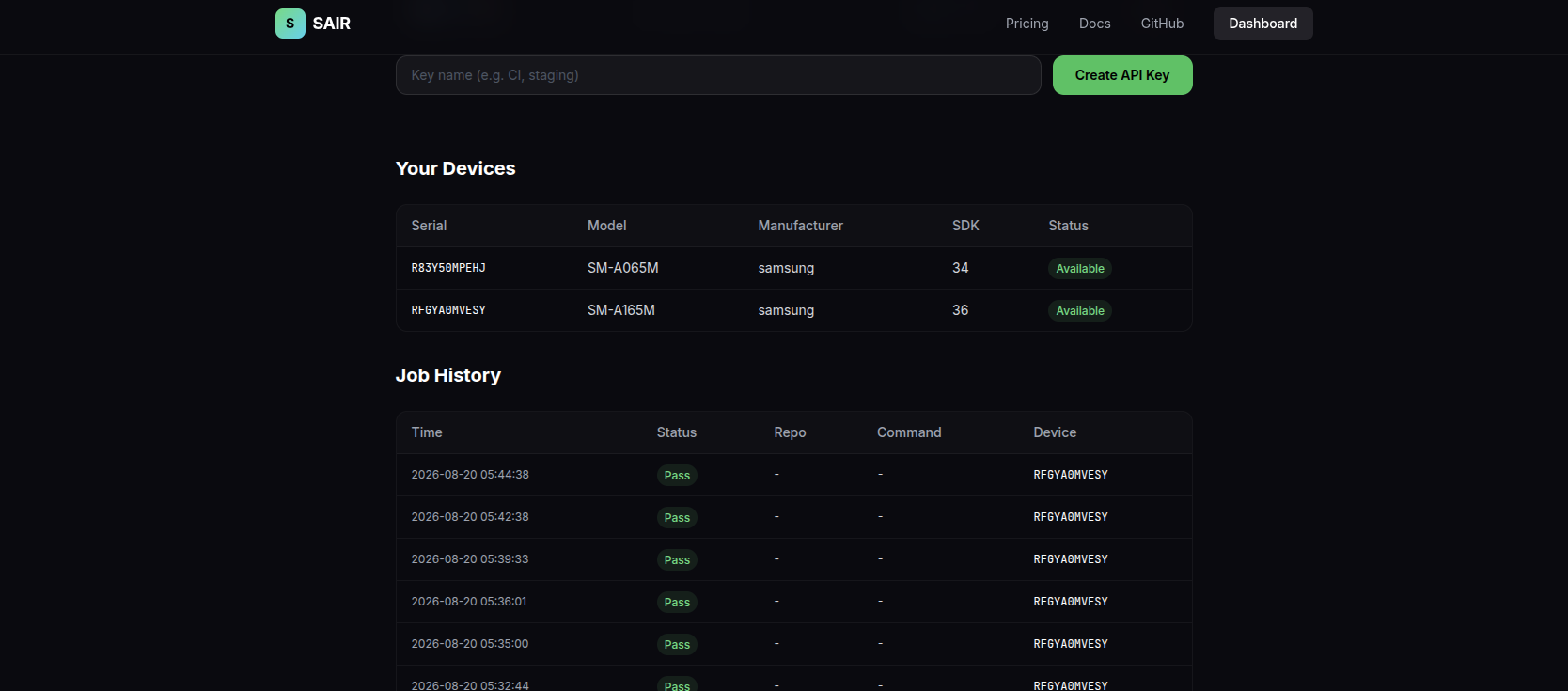 The SAIR dashboard showing two registered devices in idle state
Cost Comparison: Why This Matters
Here's what Firebase Test Lab costs for typical workloads:
| Tests/day | Avg duration | Device-hours/day | Monthly cost |
|---|---|---|---|
| 50 | 5 min | 4.17 | $625 |
| 100 | 5 min | 8.33 | $1,250 |
| 200 | 3 min | 10 | $1,500 |
| 500 | 2 min | 16.67 | $2,500 |
With SAIR: $20-75/month depending on tier (or free for ≤2 devices). The hardware you already own.
For a solo dev running 100 tests/day, that's $1,250/month → $20/month. 98% cost reduction.
Bonus: Better Device Utilization
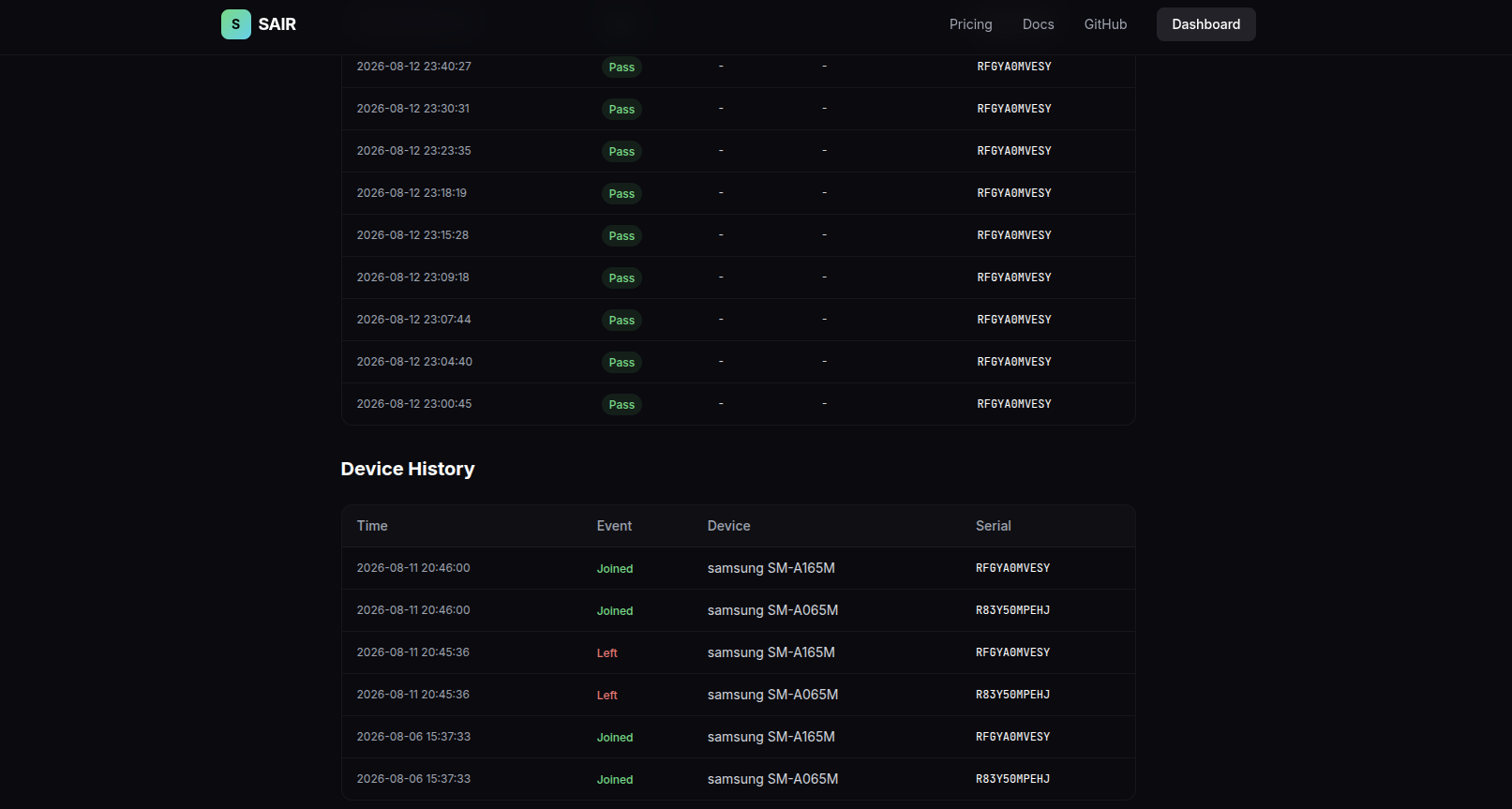
Those phones sitting on your desk doing nothing while you code? SAIR can share them between local dev and CI.
- Your local Android Studio builds use device A
- CI uses device B
- When you're not building, CI can use both
The phones are already there. Might as well use them efficiently.
Current Status
SAIR is live at sair.run (free tier available).
Running in production:
- 4 of my repos using it daily
- Works with GitHub Actions, GitLab CI, and anything that uses
./gradlew connectedCheck
Open source:
- ADB proxy: github.com/compscidr/sair
- DeviceSource client: same repo
- Orchestrator: SaaS-hosted (self-hosted option available for Enterprise tier)
Getting Started
If you're running Android instrumented tests and want to:
- Stop paying Firebase $5/device-hour
- Use your existing hardware
- Share devices across repos without collisions
Check out the 5-minute quickstart or join the Discord to ask questions.
It's working for me. Might work for you too.